Does this work as a WARDOGS mortar calculator?
Yes. Select the L81 mortar for its firing table, or switch to SPH-2 for the self-propelled gun table. Each system has its own supported range.
Calculate L81 mortar and SPH-2 distance, bearing and elevation from your gun and target coordinates.
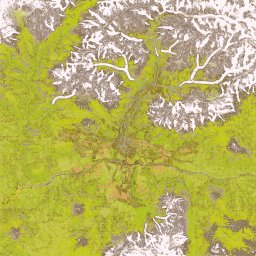
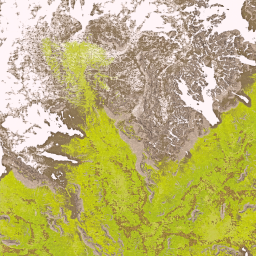

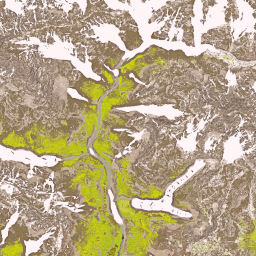


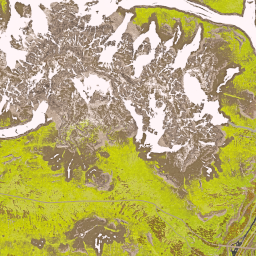
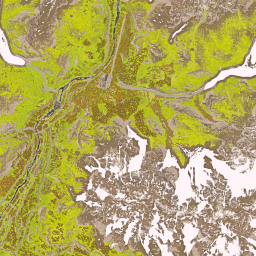
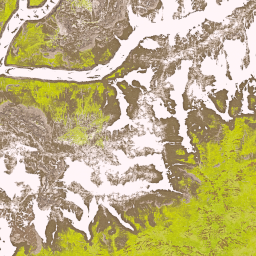
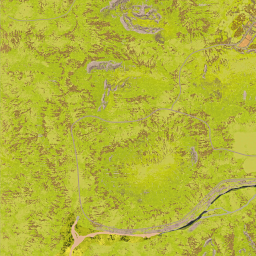
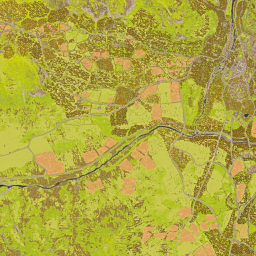
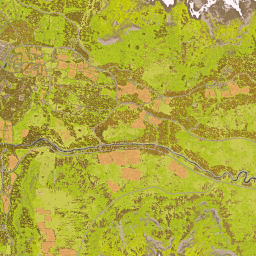
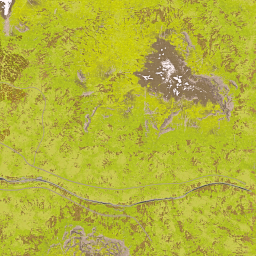
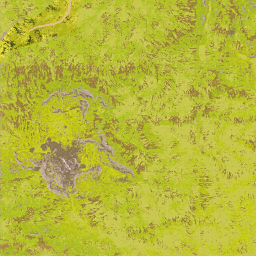
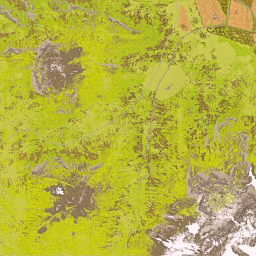
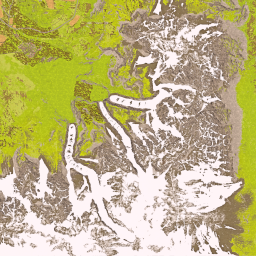
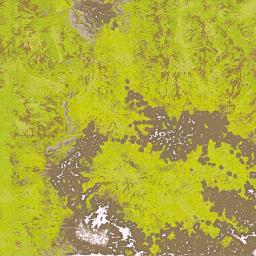
Select one of the three game maps, then place the gun and target. Drag to pan and zoom in for detail. Coordinates use X east and Y north, 100 meters per unit.
Plan indirect fire with the L81 mortar or SPH-2 using community-measured firing tables. The calculator converts your gun and target coordinates into distance, bearing and available elevation solutions.
Yes. Select the L81 mortar for its firing table, or switch to SPH-2 for the self-propelled gun table. Each system has its own supported range.
No. Results are level-ground estimates. Terrain elevation, vehicle tilt and obstacles are not modeled, so the result is a starting point for in-game adjustment.
No. The built-in maps and control-zone presets are reference material, not a live feed of players or the current match.